
You know the product is good. Then you hit record, and the first line comes out flat, the middle wanders, and the video ends without telling anyone what to do.
A TikTok script writing tool fixes the blank-page part. You give it a product, an audience and an angle, and it hands back a hook, a short body and a call to action you can say out loud.
The tools below do that job in different ways. Some only write text, some turn the script into a finished video, and one is made by TikTok itself.
Get Up to $6000 Free TikTok Ad Credit
Table of Contents
Quick Answer
The best TikTok script writing tools are the TikAdSuite TikTok Ad Script Generator and TikTok’s own Symphony Creative Studio for ad scripts, and CapCut, FlexClip and invideo when you also want to edit the video. Pippit and Revid turn a link or prompt into a full video, HeyGen has an AI avatar read your script, and ChatGPT writes any format you describe.
Pick by what happens after the script. If you film yourself, a text tool is enough. If you do not want to film or edit, choose a tool that builds the video too.
Key Takeaways
- A TikTok script writing tool turns a product or idea into a hook, a body and a call to action you can record.
- The hook matters most, because TikTok’s own research ties most of an ad’s recall to its opening seconds.
- TikTok offers a free script tool of its own inside Symphony Creative Studio.
- Most video tools sell AI credits, and some show prices that depend on your region and account.
- Every AI script needs a human pass: check each claim and make it sound like you.
Script Writer or Transcript Generator?
A script writer creates new words for a video you have not made yet. A transcript generator does the opposite: it pulls the spoken words out of a TikTok that already exists.
Search results for TikTok script are full of transcript tools, which copy the words out of finished videos, often for captions or research. The tools on this page are script writers. If you only need the text of an existing video, a transcript tool is the faster choice.
The two jobs connect, though. Some script tools in this list, such as Pippit, can take an existing video or link as a reference and build a new script around its structure.
What a TikTok Script Writing Tool Actually Does
A TikTok script writing tool writes lines you can say in one breath and match to a shot, which is a different job from writing a blog post. The script is also just one part of the whole TikTok ad creative, so plan it with the shots, sound and edit in mind.
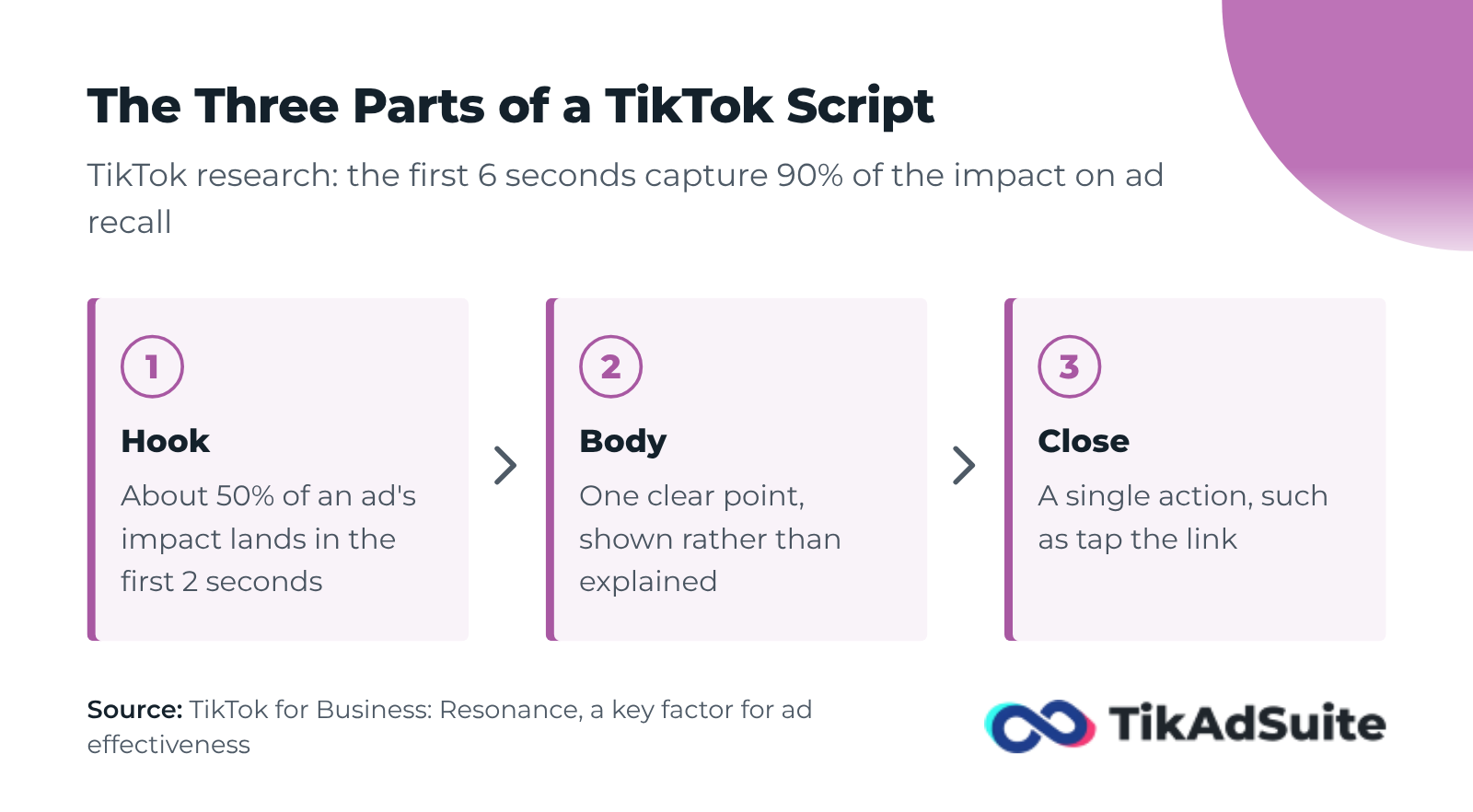
Most tools build the draft around three parts:
- Hook: the opening line and visual that stop the scroll.
- Body: one clear point, shown rather than explained.
- Close: a single action, such as tap the link or visit the shop.
The hook deserves the most work. Research by TikTok’s Marketing Science team, shared in TikTok’s article on resonance and ad effectiveness, suggests 50% of a TikTok ad’s impact comes in the first 2 seconds and the first 6 seconds capture 90% of the impact on ad recall.
That is why the best way to use any of these tools is to ask for several hooks per script. For opening lines that hold attention, see these TikTok ad hooks.
The 9 Best TikTok Script Writing Tools in 2026
The nine tools below cover three needs: writing the script only, writing and editing, and turning a script into a finished video. Features and plans come from each tool’s own site, checked in November 2026. Plans change often, so confirm the price on the vendor’s page before you pay.
1. TikAdSuite TikTok Ad Script Generator
The TikAdSuite TikTok Ad Script Generator is our free tool for paid TikTok ad scripts. You fill in seven fields, four of them required, such as the product name, its main benefit, the target audience and your offer, and it returns 2 to 10 drafts.
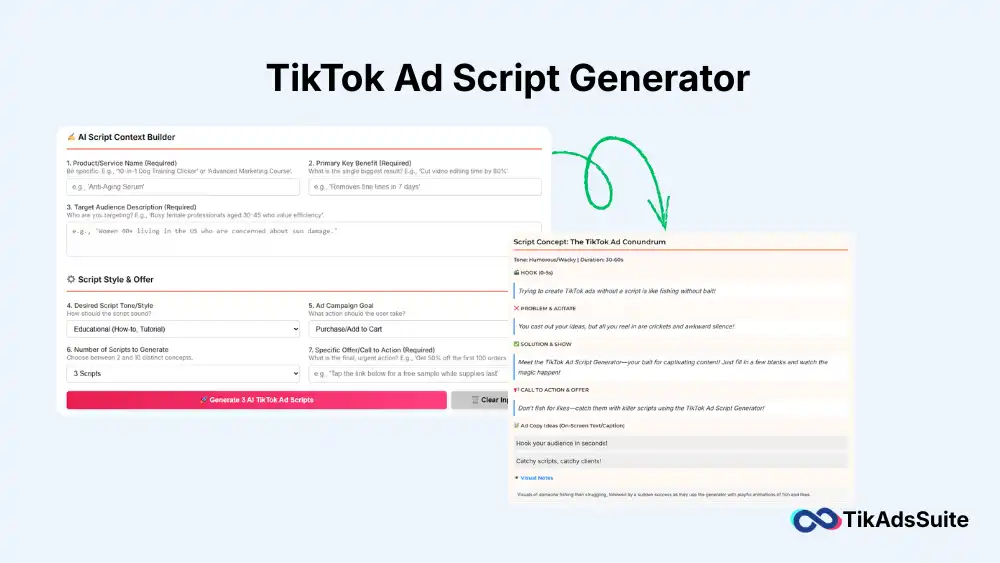
Each draft is split into a hook, problem, solution and call to action, with caption ideas and shot notes for whoever edits the video.
- Best for: advertisers who need several ad angles for one product, fast.
- Watch out for: in our test on Nov 4, 2026, the tool added a price comparison we never gave it, so check every claim before you film.
- Pricing: free.
2. TikTok Symphony Creative Studio
Symphony Creative Studio is TikTok’s own AI creative tool. TikTok’s Symphony Creative Studio help page describes it as a free tool that writes TikTok-optimized scripts, captions and video previews for both organic and paid content.
- Best for: advertisers who already work in TikTok’s tools and want scripts built on TikTok’s own trends and best practices.
- Watch out for: TikTok states the tool has no direct connection with the TikTok algorithm, so treat its scripts like any other draft.
- Pricing: free.
3. CapCut
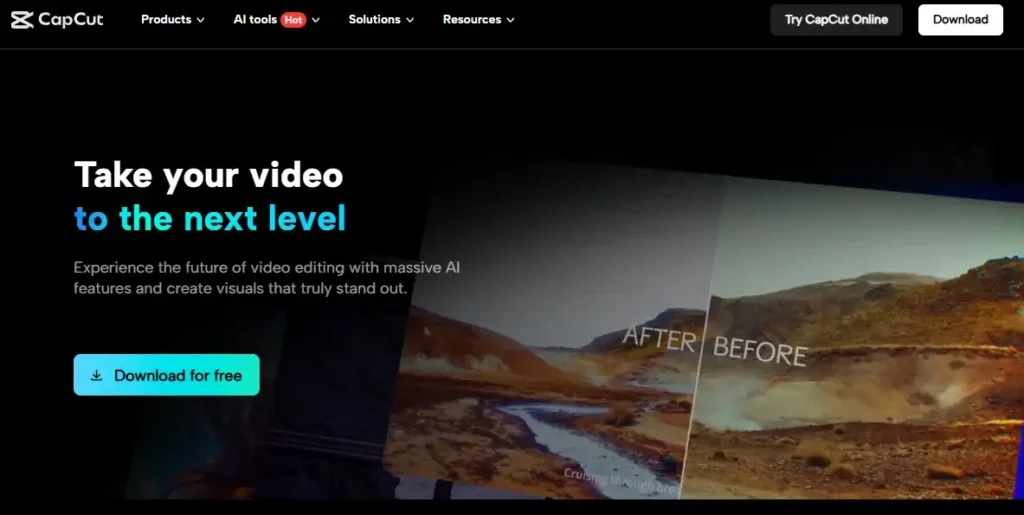
CapCut pairs a script writer with a full video editor. According to CapCut’s AI writer page, its Brainstorm with AI tool turns one idea into topic suggestions and a full script, lets you set the script length, and can turn the script into a video with visuals and voiceover. For ad setups in the editor, read about CapCut for business.
- Best for: creators who want to write and edit in one app.
- Watch out for: AI features run on monthly credits.
- Pricing: CapCut’s pricing page lists Free, Pro, Ultra and Teams plans and says the prices shown are for reference only; you see your final price after you sign in.
4. Pippit
Pippit, which describes itself as powered by CapCut, turns a link, file or media into a short video. Pippit’s homepage says it can also use a trending video’s script and story structure as a reference, add AI avatars and translate videos.
- Best for: online sellers who want product videos from a product link without filming.
- Watch out for: check that every product detail in the script matches your listing before you post.
- Pricing: Pippit’s pricing page says it is free to use, with paid upgrades.
5. FlexClip
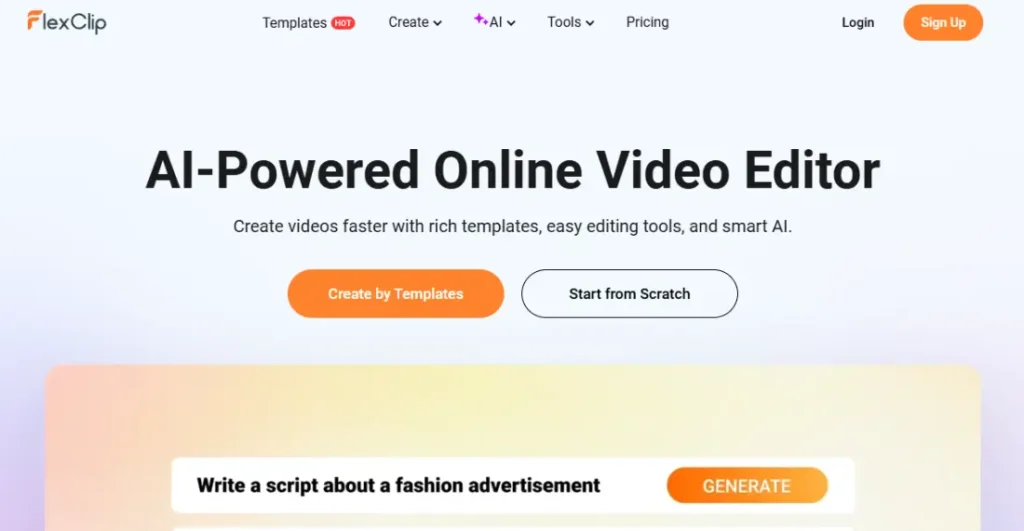
FlexClip is a browser video editor with an AI script step built in. FlexClip’s site says it can generate scripts for any purpose, create videos from a prompt, article or URL, turn text into voiceover and make multi-language videos.
- Best for: beginners who want templates and no app to install.
- Watch out for: you still need to check the script it writes against your real product facts.
- Pricing: plans are listed on FlexClip’s site.
6. ChatGPT
ChatGPT writes any script format you describe, but it does not default to TikTok beats. Give it the product, the audience, the hook-body-close structure and a target length, and ask for five hooks to choose from.
- Best for: people who like to control the prompt and rewrite fast.
- Watch out for: without a clear structure, the draft reads like a blog post.
- Pricing: according to OpenAI’s ChatGPT pricing page, the free version is available to everyone, with paid Go, Plus, Pro, Business and Enterprise plans.
7. HeyGen
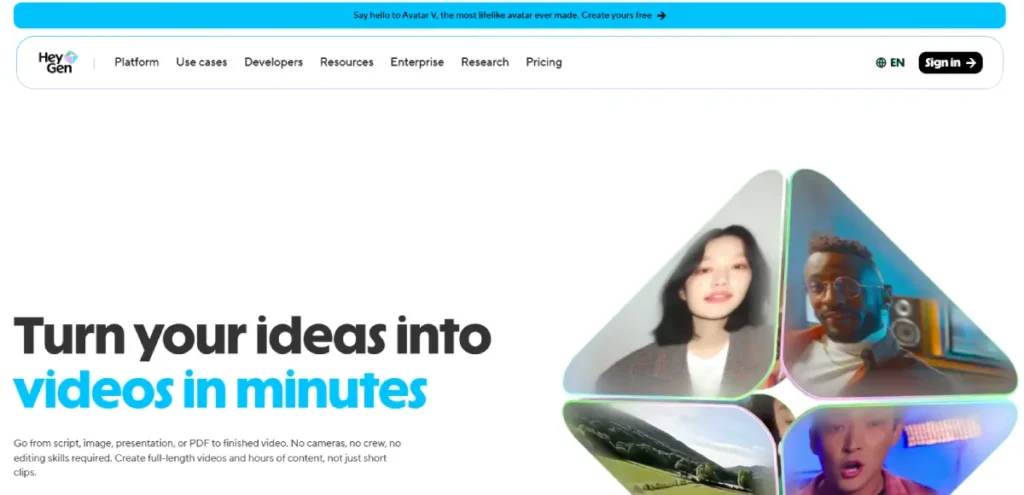
HeyGen turns your script into a video read by an AI avatar, so you never have to appear on camera. For more on that format, read about using AI avatars in ads.
- Best for: faceless channels and brands that want a presenter without filming.
- Watch out for: HeyGen’s strength is the presenter, so the quality of the words still depends on the script you give it.
- Pricing: HeyGen’s pricing page shows a free plan with videos up to 1 minute each and 500+ ready-made presenters; paid plans add 1080p export and a custom avatar with your own voice and likeness.
8. invideo
invideo is an AI video editor where you can write the script inside the editor with an AI co-writer. invideo’s homepage says it turns a script or idea into a shot-by-shot plan you can change before it generates the video.

- Best for: people who want one tool from script to finished cut.
- Watch out for: plans are sold in monthly credits, and longer AI video uses more of them.
- Pricing: credit-based plans; check invideo’s pricing page for your region.
9. Revid
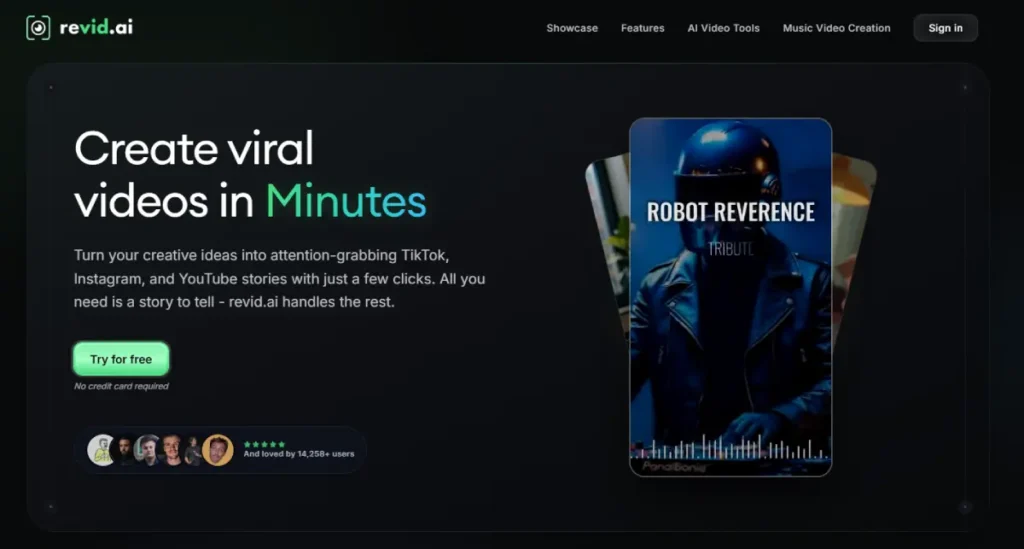
Revid writes the script, voiceover, visuals and subtitles from a prompt, topic or URL, and can publish straight to TikTok, Instagram, YouTube and X, according to Revid’s homepage.
- Best for: turning a blog post or link into short videos quickly.
- Watch out for: credits refill each renewal and do not stack from month to month.
- Pricing: Revid’s pricing page lists the Growth plan at $39 a month, or $32 a month billed yearly, with 2,000 AI credits; you can sign up without a credit card and get free credits to try it.
TikTok Script Tool Comparison
The table below sums up what each TikTok script tool is best for and what you get from it, based on the entries above.
| Tool | Best for | What you get |
|---|---|---|
| TikAdSuite Script Generator | Paid ad scripts | 2 to 10 drafts with hook, problem, solution, CTA |
| TikTok Symphony Creative Studio | Scripts in TikTok’s own tools | TikTok-optimized scripts, captions, previews |
| CapCut | Script and edit in one app | Script from an idea, then script to video |
| Pippit | Product videos from a link | Link or file to video, avatars |
| FlexClip | Browser editing with templates | Script, prompt or URL to video, voiceover |
| ChatGPT | Custom prompts | Any structure you describe |
| HeyGen | No camera | AI avatar reads your script |
| invideo | Script to finished cut | AI co-writer and shot-by-shot plan |
| Revid | Repurposing links | Script, voice, visuals, direct publishing |
How Do You Choose the Right TikTok Script Tool?
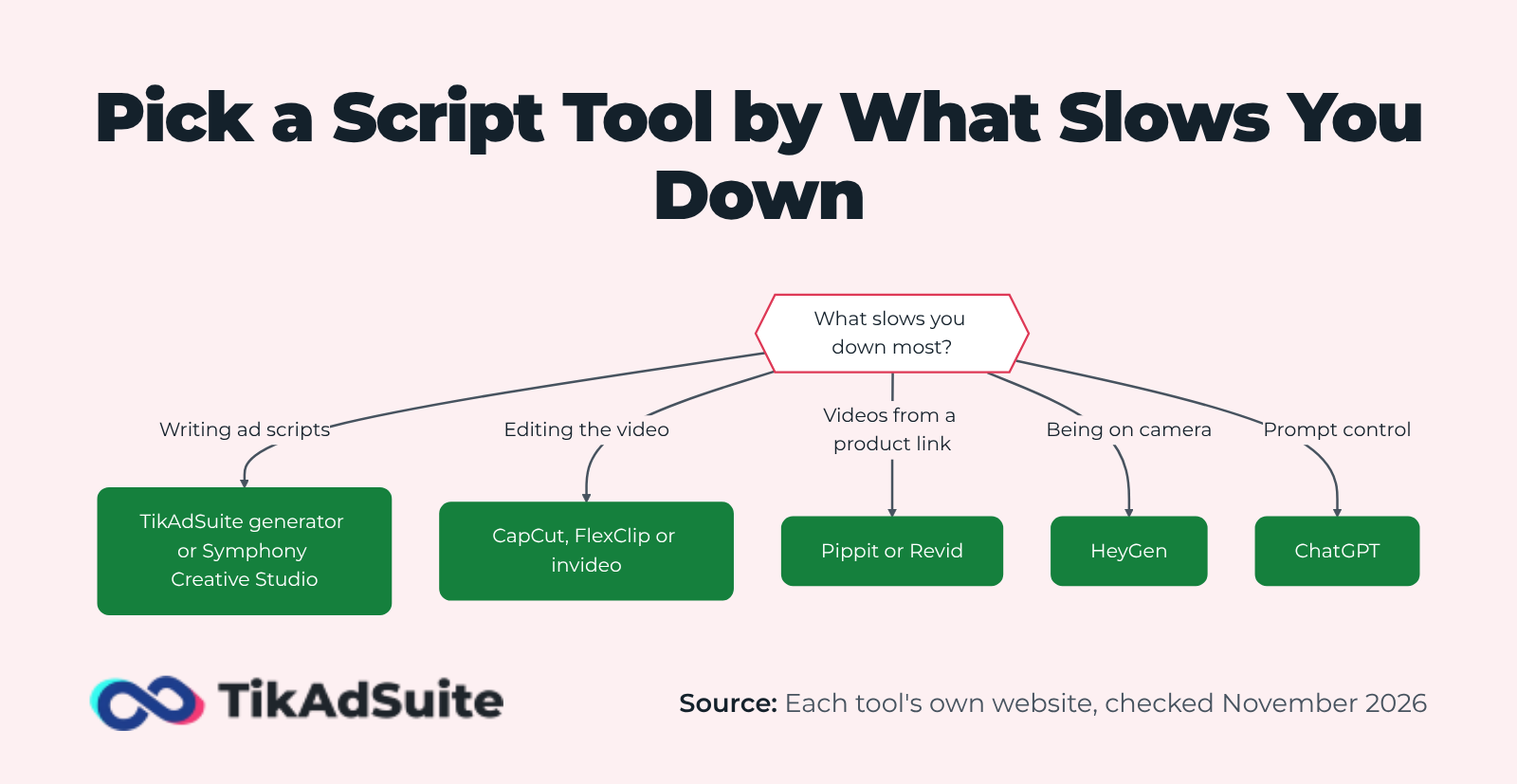
Choose a TikTok script tool by the step that slows you down most. If writing is the hard part, a text tool is enough. If filming or editing is the hard part, pick a tool that builds the video too.
- You run paid ads and need many angles: the TikAdSuite generator or Symphony Creative Studio.
- You film yourself but hate editing: CapCut, FlexClip or invideo.
- You sell products and want videos from a product link: Pippit or Revid.
- You never want to be on camera: HeyGen.
- You want full control of the prompt: ChatGPT.
Try one free option first and write five scripts with it before you pay for anything. To see how script tools fit with the rest of the creative process, read about other AI ad creation tools.
Do AI Script Tools Actually Write Good TikTok Scripts?
AI script tools write good first drafts, not finished scripts. They are strong on structure and pacing, which is the part most people find hardest, and weak on your voice and your facts.
The facts part is easy to miss. In our test of the TikAdSuite generator on Nov 4, 2026, one draft included a price comparison we never supplied. A claim like that can get an ad rejected or mislead buyers, so treat every number and promise in a draft as unchecked.
The fix takes a few minutes: read the draft out loud, cut anything stiff, swap in your own phrases and confirm every claim. Scripts that sound native tend to fit the feed better, which is the idea behind native-looking TikTok ads.
Are TikTok Script Generators Free?
Yes, several are. The TikAdSuite generator and TikTok’s Symphony Creative Studio are free, ChatGPT has a free version, and Pippit, HeyGen and Revid let you start without paying.
The limits show up when you make video. Most video tools run on AI credits, and free plans cap length, quality or the number of videos. HeyGen’s free plan, for example, limits each video to 1 minute.
If you post now and then, free tools are enough. If you test many ad versions every week, a paid plan can save time. Software deal sites like AppSumo sometimes list one-time offers on creator tools worth checking.
How to Get More Out of Any Script Tool
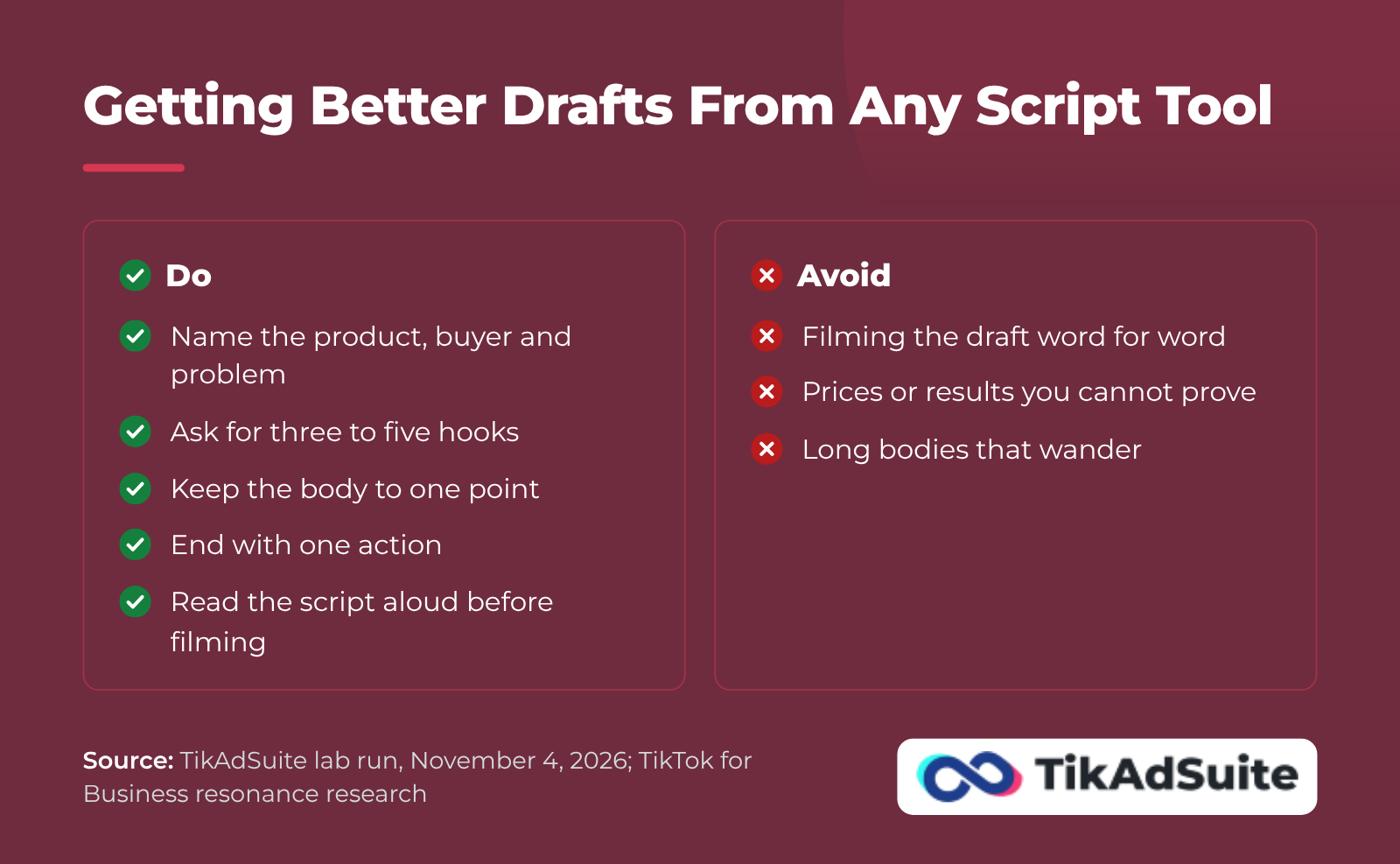
Any script tool gives better drafts when you give it better input and check its output. These habits help with every tool on this list:
- Feed it specifics. Name the product, the buyer and the problem you solve. Vague input gives vague scripts.
- Ask for several hooks. Generate three to five openers and test them, since the opening seconds carry most of the impact.
- Keep the body short. Cut any line that does not show the product or move the story.
- End with one action. Tell viewers exactly what to do next.
- Check every claim. Remove prices, results and comparisons you cannot prove.
- Read it aloud before filming. If a line feels awkward to say, rewrite it.
For tested patterns you can paste into any tool, try these TikTok ad copywriting formulas.
Frequently Asked Questions
What is the best free TikTok script writing tool?
For ad scripts, the TikAdSuite TikTok Ad Script Generator and TikTok’s Symphony Creative Studio are both free. The TikAdSuite tool splits each draft into a hook, problem, solution and call to action. ChatGPT’s free version also works if you give it a clear structure and target length.
Can a TikTok script tool write hooks?
Yes, and hooks are where these tools help most. Ask for several openers from one prompt and test them, because TikTok’s research found that most of an ad’s impact on recall comes in the first few seconds. Pick the hook that sounds most natural when you say it.
Do I need editing skills to use these tools?
Not always. CapCut, FlexClip, invideo, Pippit and Revid turn a script into a video for you, and HeyGen adds an AI presenter. Text-only tools, like ChatGPT or the TikAdSuite generator, give you words, so you still film and edit the video yourself.
What is the difference between a TikTok script and a transcript?
A script is written before you film and tells you what to say and show. A transcript is the text of a video that already exists. Script tools create new videos; transcript tools copy the words out of finished ones, often for captions or research.
Does TikTok have its own script generator?
Yes. Symphony Creative Studio, TikTok’s free AI creative tool, writes TikTok-optimized scripts, captions and video previews for organic and paid content. TikTok states the tool has no direct connection with the TikTok algorithm, so its scripts get no special treatment in delivery.
Putting It to Work
To put a script tool to work, start from a draft instead of a blank page. Pick one tool from this list, give it your product, buyer and angle, and ask for five hooks.
A good place to start is the free TikAdSuite TikTok Ad Script Generator, since it is built for ad scripts. Choose the hook you would actually say, check every claim, and shape the rest until it sounds like you.