
Your agency picks up a third client this month, and now you have three different TikTok logins saved in three different places, one of them still sitting in a Slack message from February.
Nobody on the team is sure who has access to what, or which permission level they were even given.
That mess is not a sign you are bad at operations. It is what happens when TikTok ads for agencies get run one client at a time, with no shared structure connecting them. The fix is not more spreadsheets. It is TikTok Business Center, set up correctly from the start.
Here is what this guide covers:
- How to set up one Business Center account that scales across every client you take on
- The exact difference between Admin, Standard, and the two finance roles
- How to request access to a client’s ad account without ever seeing their password
- What TikTok’s Agency Advantage, Affiliate Agency, and Creative Offering programs actually give you
- Why client accounts get flagged or frozen, and how to stop it before it happens
- How to bill and report in a way that keeps clients renewing
Get Up to $6000 Free TikTok Ad Credit
Table of Contents
Key Takeaways
- Business Center and Ads Manager are two different tools. Ads Manager runs the campaigns. Business Center controls who can touch them, and it is where agencies actually live.
- TikTok’s Business Center has exactly two base roles, Admin and Standard, plus two optional finance roles layered on top. TikTok’s own documentation breaks down what each one can and cannot do.
- Agencies request access to a client’s existing ad account through Business Center. The client approves it from their own account. No password changes hands, ever.
- TikTok runs three separate “OnRamp” programs for agencies: Affiliate Agency, Creative Offering, and Agency Advantage, each with its own entry requirement.
- New advertiser ad credit runs in tiers, from $200 spend for $200 in matched credit up to $6,000 for $6,000, which matters when you’re onboarding a client’s very first TikTok campaign.
- Spark Ads permissions live on the client’s TikTok profile, not the ad account, so getting that link wrong is the single most common reason an agency’s boosted post never runs.
Quick Answer
TikTok ads for agencies run through TikTok Business Center, a hub that connects one agency login to many client ad accounts, TikTok profiles, and shared assets like pixels and audiences. Agencies request access to each client account, get assigned Admin or Standard permissions, and never need the client’s password to launch or report on campaigns.
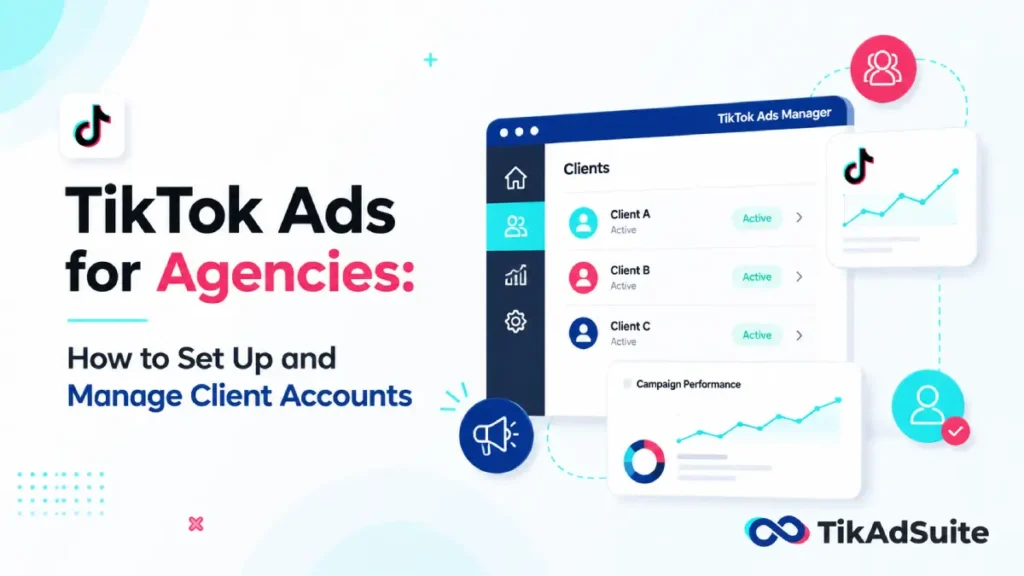
What’s Actually Different When You Run TikTok Ads for Clients
A solo brand running its own TikTok ads has one account, one owner, one budget. An agency multiplies that by every client on the roster, and each of those clients wants to keep ownership of their own account, not sign it over to you.
That single fact shapes everything else in this guide. You are not trying to take control of a client’s ad account. You are trying to get enough access to run it well while the client stays the legal owner.
A few things that change once you’re managing more than one client:
- You need one central hub, not five separate logins
- Permission mistakes affect a client relationship, not just your own account
- A frozen account isn’t just annoying; it stops a client’s revenue
- Reporting has to be repeatable across accounts, not built fresh each time
Setting Up TikTok Business Center for Your Agency
Create one Business Center for your agency, not one per client. Every client ad account, TikTok profile, and shared asset connects into this single hub.
From there, you request access to the client’s existing ad account rather than building a new one. If the client already runs ads, adding their account to your Business Center is a matter of them approving a request, not handing over a login.
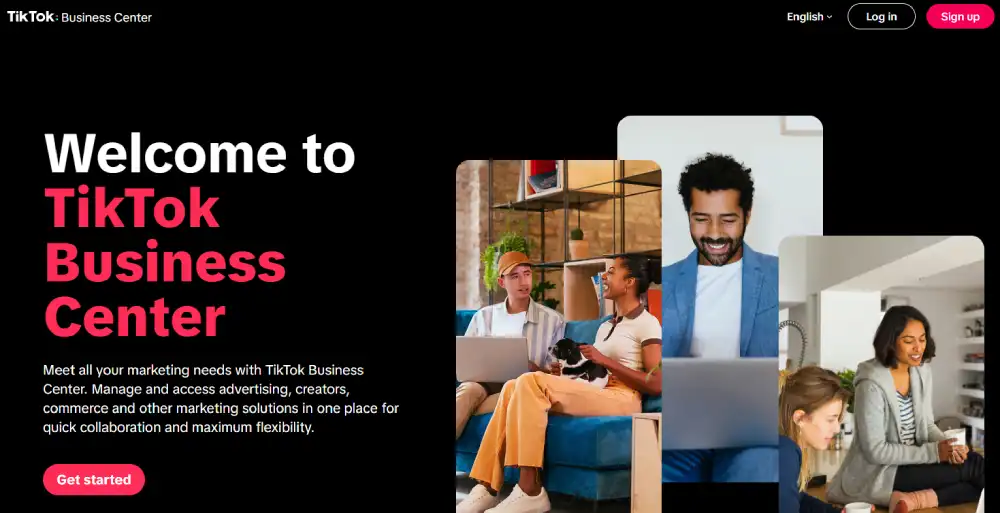
If your team still confuses Business Center with Ads Manager, sort that out first. The two run different jobs entirely: Ads Manager is where the money moves, Business Center is the layer above it that decides who can touch that money.
Admin, Standard, and the Finance Roles: What Each One Actually Controls
TikTok’s Business Center splits access into two basic roles and two optional finance add-ons.
Here is the breakdown, condensed from TikTok’s own role documentation:
| Function | Admin | Standard |
|---|---|---|
| Add or remove members | Yes | No |
| Create an ad account | Yes | No |
| Request access to a client ad account | Yes | No |
| Manage assigned ad accounts and assets | Yes | Yes, only what’s assigned |
| View reports across accounts | Yes | Yes |
| Manage billing and finance | Only with a finance role added | Only with a finance role added |
Finance access sits on top of either base role:
| Function | Financial Analyst | Finance Manager |
|---|---|---|
| View and download transaction history | Yes | Yes |
| Add or reduce account balance | No | Yes |
| Pay or download invoices | Download only | Pay and manage |
| Apply for a credit line | No | Yes |
In practice, this means your media buyers rarely need Admin. Give them Standard access scoped to their assigned client accounts, and reserve Admin plus a finance role for the one or two people who actually manage billing. Full detail on every permission tier, including asset-level access for pixels and TikTok accounts, lives in TikTok’s Business Center roles article.
How Do You Request Access to a Client’s TikTok Ad Account?
You never need a client’s password. Business Center handles this through a formal access request instead.
- Go to Assets, then Advertiser Accounts, inside your Business Center
- Click Request Access and enter the client’s ad account ID
- Choose the exact permission level your team needs
- Send the request, which lands in the client’s TikTok Ads Manager notifications
- The client approves it manually from their side
Once approved, your team can run campaigns, view reports, or manage billing, depending on what was granted, without either side ever sharing a login screen.
TikTok’s Agency Programs: Affiliate Agency, Creative Offering, and Agency Advantage
TikTok runs three distinct programs for agencies through its Agency OnRamp hub, and they are not the same thing:
| Program | What it’s for | Entry point |
|---|---|---|
| Affiliate Agency | Earn rewards for onboarding new advertisers | Create 3 new advertiser accounts running active campaigns |
| Creative Offering | Two free creative placements per qualifying client | Minimum $1,000 spend, limited slots, first come, first served |
| Agency Advantage | Ongoing perks, best practices, and an Agency Badge | Awarded based on your agency’s activity in Business Center |
None of these require you to already be a certified TikTok partner. They’re built for agencies actively running client campaigns through Business Center, which is one more reason to set that structure up properly before you start pitching new clients.
Structuring Multiple Client Accounts So Nothing Gets Mixed Up
A single Business Center can hold dozens of client ad accounts, but only if you keep them separated on purpose.
- Group accounts by client, and by country if one client runs in more than one market
- Keep each client’s pixel and audience data inside their own account; don’t share it across unrelated clients
- Use account groups so an Admin can bulk-assign permissions instead of adding people one account at a time
- Name accounts consistently (client name, market, launch date) so nobody has to guess which is which six months later
If your team is still shaky on the fundamentals of building campaigns inside a client’s account, walk through how TikTok Ads Manager actually works before you scale that process across ten clients at once.
Spark Ads: Why Your Boosted Client Post Might Not Run
If you run Spark Ads, meaning you’re boosting a client’s own organic post as a paid ad, ad account access alone isn’t enough. You also need their TikTok profile linked to your Business Center with the right permission attached.
TikTok gives two levels here. One authorizes your team to use the client’s identity and posts strictly for paid delivery, without touching their public profile. The other adds the ability to post, reply to comments, and manage the profile itself, which is meant for teams handling both community management and ads.
Get the wrong one assigned, and either your Spark Ads won’t launch, or a draft creative ends up live on the client’s real profile before anyone meant to publish it.
Why Client Accounts Get Frozen, and How to Stop It Before It Happens
Agency-run accounts draw more scrutiny than single-brand accounts. TikTok’s systems watch for patterns: sudden spend spikes, one login shared across unrelated businesses, content that doesn’t read as if it came from someone close to the brand.
The mistakes that cause the most damage:
- Sharing one Business Center login across the whole team instead of individual accounts
- Launching a brand-new client’s first campaign at full budget on day one
- Ignoring an early rejection notice instead of fixing the actual policy violation
- Letting a payment method fail without a backup card on file
Run new client accounts through a TikTok ad account health checker before you scale spend, and if an ad does get rejected, know why it happened before you decide whether to appeal the decision or just fix it and resubmit.
Billing, Ad Credit, and Getting a New Client’s First Campaign Funded
Keep finance access tight. Assign Finance Manager only to whoever actually handles payments, and give Financial Analyst, the view-only role, to anyone who just needs records for client invoicing.
If a client is brand new to TikTok, check whether their account qualifies for new advertiser ad credit before that first campaign launches. The offer runs in tiers, starting at $200 in spend matched with $200 in credit, scaling up to $6,000 matched at $6,000. That credit softens the cost of the first testing phase, which makes it a lot easier to justify continued spend once it runs out.
Reporting Results That Actually Keep a Client Renewing
Clients don’t want a wall of numbers. They want to know if it’s working and what changes next.
Pull core numbers from Business Center’s dashboard rather than screenshotting individual Ads Manager charts client by client, so your reporting format stays consistent no matter how many accounts you’re managing.
Knowing which metrics actually matter, instead of leading with impressions because they look big, is what separates a report a client trusts from one they skim and forget. A TikTok ad performance analyzer can also turn raw campaign numbers into the kind of diagnostic report clients expect from an agency, not just a spreadsheet of last month’s spend.
FAQ
Does an agency need its own TikTok Business Center account?
Yes. Set up one Business Center for your agency instead of one per client. This single hub is where you request access to each client’s existing ad account and manage all of them from one login, with permissions controlling exactly what each team member can see or change.
Can an agency run ads without the client’s TikTok password?
Yes. Agencies request access through Business Center, and the client approves that request from their own account. No password ever changes hands. The client keeps full control of their login while your team gets the access level it actually needs.
What’s the real difference between Ads Manager and Business Center?
Ads Manager is where you build and run individual campaigns, set budgets, and choose targeting. Business Center sits above it, controlling who can access which client accounts, TikTok profiles, and shared assets. Agencies need both, but Business Center is what makes managing more than one client possible.
How long does a client take to approve an access request?
It depends entirely on them. Once you send the request, it shows up in their TikTok Ads Manager notifications, and they have to approve it manually. Some clients approve within minutes. Others miss the notification for days, so it’s worth telling them exactly where to look.
What happens to the account if a client leaves the agency?
Nothing happens to their account, because they owned it the whole time. You remove your agency’s access from their Business Center settings, and your team loses visibility immediately. Their campaign history, data, and account remain fully intact on their side.
Can one Business Center manage clients in different countries?
Yes. A single Business Center can hold ad accounts across multiple countries as long as each one is grouped and scoped correctly. Keep budgets, pixels, and audiences separated by client and market so targeting in one country never bleeds into another.
Wrapping Up
The agencies that scale on TikTok without constant fire drills are the ones who set up Business Center correctly before their client count hits four or five.
Everything else in this guide, the roles, the access requests, the Spark Ads permissions, only matters once that foundation exists.
Start with one Business Center, request access instead of taking ownership, and give people only the permission level their job actually requires. That alone prevents most of the access chaos and account freezes that eat into an agency’s week.
Once that’s in place, the OnRamp programs and a repeatable reporting format are what turn a first client into a renewal, and a renewal into a referral.