
You shot a fun TikTok, and the moment felt natural and easy. Then you opened an editor, got lost in a wall of menus, and an hour quietly disappeared. By the time you were done, the trend you were chasing had already moved on without you.
That gap between filming and posting is where most creators lose momentum. The best TikTok video editors close it.
They help you cut fast, drop in captions, sync to a trending sound, and ship the clip while the idea is still hot. The wrong tool does the opposite, burying your best work under buttons you will never use.
This guide is built to help you skip that trial and error. Instead of ranking tools by feature count, it matches each one to a real goal, whether that is posting daily, batching ad creative, or sitting down for a longer desktop edit.
Here is what you will walk away knowing:
- The top editors for speed, ads, and total beginners
- The features that actually move the needle on TikTok
- Which free tools are good enough that you never need to pay
- How to match an editor to your device and your workflow
Let me give you the quick takeaways first, then we will go tool by tool.
Get Up to $6000 Free TikTok Ad Credit
Table of Contents
Key Takeaways
- CapCut is the most popular choice by a wide margin, with over 300 million monthly active users reported by Influencer Marketing Hub.
- The best editor for you depends on your goal: fast posting, ad creative, or polished desktop edits.
- Free tools like CapCut, VN, and iMovie cover the needs of most creators.
- Captions, clean audio, and a strong opening matter far more than heavy effects.
- Browser editors let you work on any computer without installing a thing.
What Is the Best TikTok Video Editor?
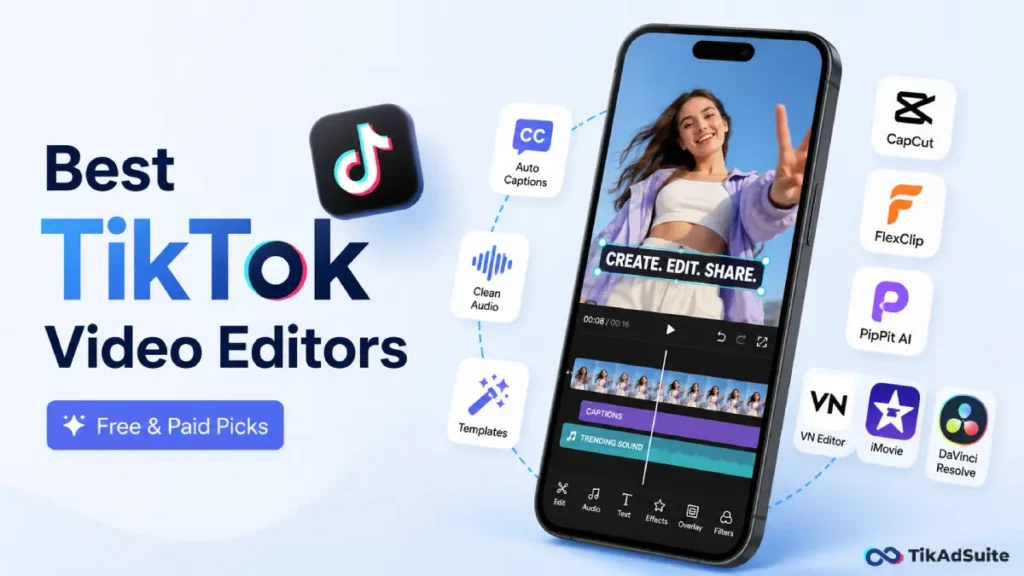
For most people, CapCut is the best TikTok video editor. It is free, packed with TikTok-ready templates, and adds captions for you in seconds. FlexClip wins for browser editing, PipPit AI speeds up ad creative, and iMovie or DaVinci Resolve handle free desktop work. The right pick comes down to your device, budget, and how fast you need to post.
What Actually Makes a Good TikTok Editor
It is easy to get distracted by flashy feature lists. In practice, the editors that help you grow all share a few boring strengths.
They keep you fast, and they make your clip look like it belongs in the feed instead of pasted in from somewhere else.
When you test a new editor, ignore the marketing and check for the fundamentals first. The rest is nice to have.
These are the parts that decide whether you finish an edit or abandon it halfway:
- Vertical 9:16 export set as the default, not buried in settings
- Auto captions that are quick to add and easy to fix
- A library of trending sounds and ready-made templates
- Simple trimming, speed control, and transitions you can apply in one tap
If a tool nails those, almost everything else is a bonus. If it fights you on any of them, you will quietly stop opening it within a week.
The Best TikTok Video Editors at a Glance
Before the deep dives, here is the short version. Use this table to spot the tool that fits your setup, then jump to its section below for the why.
| Editor | Best for | Platform | Price |
| CapCut | All-around editing | Mobile, desktop, web | Free + Pro |
| FlexClip | Browser editing | Web | Free + paid |
| PipPit AI | Fast ad creative | Web | Free + paid |
| InShot | Quick edits on the go | Mobile | Free + paid |
| VN Editor | Clean mobile edits | Mobile, desktop | Free |
| iMovie | Apple users | iOS, Mac | Free |
| DaVinci Resolve | Advanced edits | Desktop | Free + paid |
CapCut: The All-Around Favorite
CapCut is the default for a reason, and it earns the top spot more on convenience than raw power. It speaks TikTok fluently, with beat-synced cuts, trend-ready effects, and one-tap captions that save you the slow work of typing every line. For a huge number of creators, it is the only editor they ever touch.
There was some panic in early 2025 when CapCut got briefly pulled from US app stores alongside TikTok. It came back within days and remains available, so you do not need to scramble for a replacement.
The free version is genuinely good and covers most needs, so start there before you think about Pro. You can try CapCut and grow into the paid tier only when a feature clearly saves you time.
If you want a step-by-step walkthrough, this guide to editing TikToks in CapCut covers the workflow in detail.
FlexClip: Best for Browser Editing
Not everyone wants another app eating space on their phone, and some people edit on a work laptop where installs are off limits.
FlexClip solves both problems by running fully in your browser. You open a tab, start cutting, and there is nothing to download or update.
It comes with templates, stock footage, and clean text tools, which makes it a comfortable landing spot for beginners.
If app-free editing sounds appealing, FlexClip is an easy way to get polished results without committing to a heavy program.
PipPit AI: Best for Fast Ad Creative
When you need volume, hand editing every clip stops making sense. PipPit AI is built for that moment.
It leans on AI to script, generate, and assemble videos, so you can spin up several ad variations in the time a manual edit would take for one.
This is a strong fit for sellers and small teams without a dedicated editor. The output still needs your eye and a final pass, but it removes the blank-timeline problem that slows so many people down.
Pair PipPit AI with these tips on using AI tools for TikTok ad creation to get the most out of it.
InShot: Best for Quick Edits on the Go
InShot is one of the most downloaded mobile editors, and its whole appeal is speed. The layout is simple enough that you can trim a clip, add music, and export in a couple of minutes.

It suits creators who film and edit entirely on their phone and just want to post. The one thing to know is that the free version adds a watermark to your export.
You can remove it on a paid plan, so weigh that if a clean, logo-free clip matters for your brand.
VN Editor: Best Free Mobile Editor
VN flies under the radar, but creators who want desktop-style control on a phone tend to love it. The timeline feels closer to real editing software than most mobile apps, with proper layers and keyframes if you want them.
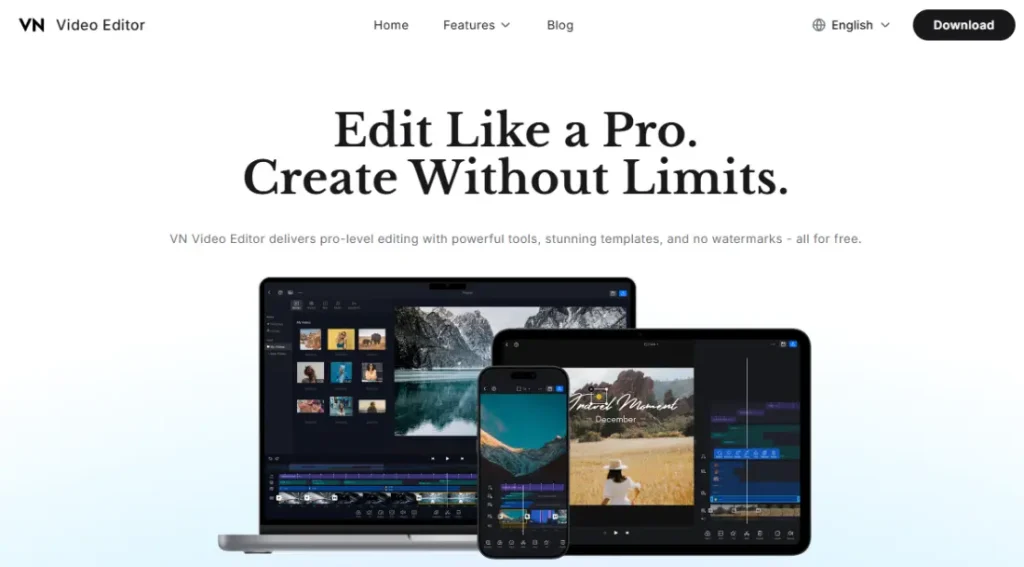
Its biggest selling point is also the simplest: it exports clean video without forcing a watermark on you. That removes a common headache for free users.
If watermarks are what pushed you to search for a new tool, this guide to removing TikTok watermarks is worth a quick read too.
iMovie: Best Free Editor for Apple Users
On a Mac or iPhone, iMovie is the no-fuss option for quick cuts, and it is already installed on most Apple devices.
It will not hand you trendy TikTok templates or sounds, so it is not the tool for chasing the latest trend.
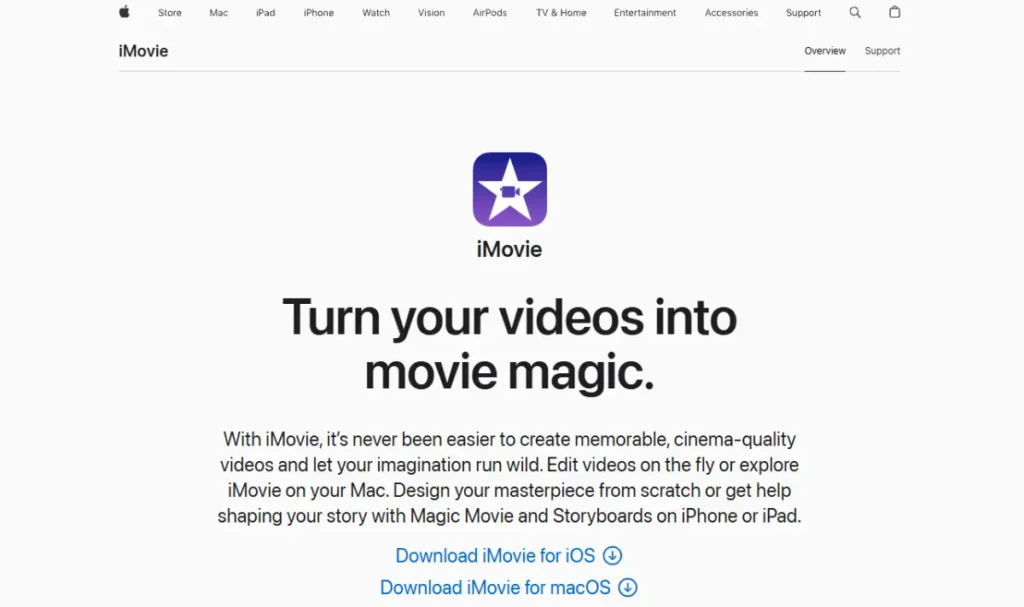
What it does well is reliable trimming, simple titles, and clean exports with zero setup. If you mostly stitch clips together and want something stable and free, it gets the job done.
DaVinci Resolve: Best for Advanced, Polished Edits
DaVinci Resolve sits at the serious end of the scale. It is free, powerful, and trusted by professionals for color grading and detailed audio work.
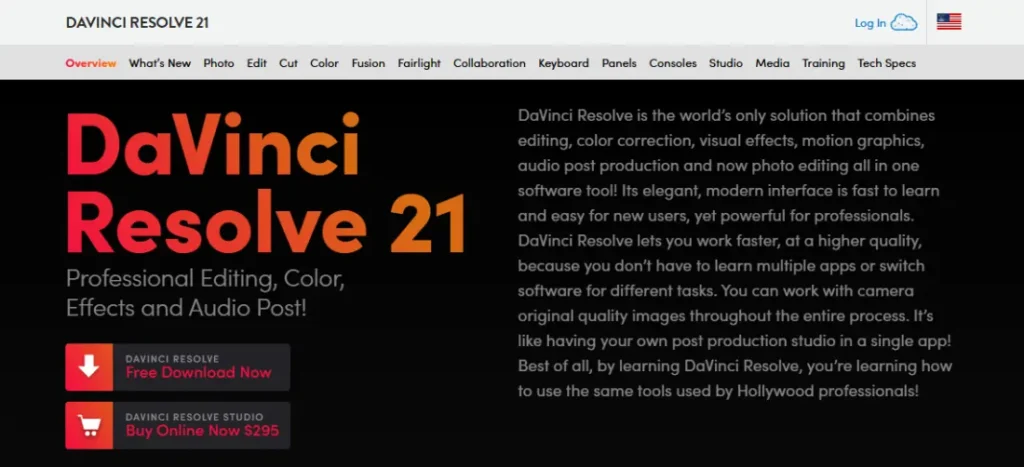
Few tools offer this much at no cost. The trade-off is a real learning curve, so it is overkill if you only post short, simple clips. For longer videos where polish truly matters, though, it is hard to beat at this price.
Free vs Paid: Do You Really Need to Upgrade?
Here is the honest answer most tool roundups skip: the majority of creators never need to pay. Free editors handle captions, trims, transitions, and trending sounds without complaint, and that is the bulk of TikTok editing.
Upgrade only when a specific feature pays for itself in saved time or better results. Good reasons include 4K export, premium effect packs, watermark removal, or shared projects for a team.
If you cannot point to the exact feature you are buying, stay on the free plan a little longer.
What Is the Best Free Video Editor for TikTok?
CapCut is the best free editor for most TikTok creators, since it gives you captions, templates, and effects at no cost. VN is the top free pick if you want a cleaner timeline and no watermark.
For Apple users who just want something simple and reliable, iMovie is the safest free choice. All three will get you to a finished, postable clip without spending a cent.
Editing for Ads vs Organic Posts
The same editor can serve two very different goals, and your edit should change with the goal. Organic posts can be loose, playful, and a little messy. You are chasing watch time, saves, and shares, so the priority is keeping people entertained.
Ad edits work differently. They need tighter pacing, a clear message, and an obvious next step for the viewer.
The cuts should serve the sell, not just look cool. Before you publish a paid clip, it helps to study how the best TikTok video ads are structured so your edit supports the result you want.
Don’t Waste the First Three Seconds
You can have the cleanest edit in the world and still lose if your opening drags. The first few seconds decide whether anyone sticks around, and on TikTok that window is brutal. A slow build that works on YouTube will sink a TikTok.
Lead with motion, a face, or a bold claim that makes scrolling feel like a mistake. Then earn the next moment, and the one after that. You can tighten your hooks using the 3-second rule and these field-tested TikTok ad hooks.
Keep It Short, Because Attention Is Stretched Thin
It is tempting to keep every clever line you filmed, but length is rarely your friend here. Viewers move fast and forgive nothing.
DataReportal reports that people spend roughly 2.5 hours a day watching videos on platforms like TikTok and YouTube, which means your clip is competing against a wall of others for that same attention. (source)
So be ruthless in the edit. If a second does not add energy, information, or emotion, cut it. A tight 20-second video almost always beats a baggy 45-second one, even when the longer cut technically says more.
Get Your Captions and Safe Zones Right
A lot of people start watching with the sound off, especially on a first scroll. Captions are what keep those viewers in the video long enough to turn the audio on. Skipping them quietly costs you reach.
Placement matters just as much as the words. TikTok layers buttons, your handle, and the caption box over the screen, and anything you put in those zones can get covered.
Keep your text and logo clear of the edges using this guide to TikTok safe zones so nothing important gets buried.
Clean Audio Makes a Cheap Edit Look Expensive
Viewers will forgive a shaky shot, but bad audio reads as low effort instantly. Hiss, echo, and room noise pull people out of a video faster than any visual flaw. It is the most overlooked part of editing, and the easiest win.
Start by recording in a quiet space and trimming dead air from your timeline. From there, a tool like Krisp strips out background noise so your voiceovers come through clean and confident. Clean sound makes even a phone-shot clip feel deliberate.
Make a Cover That Earns the Tap
Your cover frame is doing quiet work on your profile grid, acting like a tiny ad for the whole video. A blurry, random frame gets skipped, and that hurts the videos people would have loved if they had only clicked.
Pick a strong frame, add a few words of clear text, and lead with a face or a product shot that stops the eye. These tips on TikTok video thumbnails will help your covers pull in more taps from your profile and search.
Frequently Asked Questions
Is CapCut still good for TikTok in 2026?
Yes. CapCut remains the most widely used TikTok editor and is available in the US again after a short removal in early 2025. It still offers free captions, templates, and effects built specifically for the platform. The main thing to keep an eye on is the price of its Pro plan if you decide you want premium features.
Can I edit TikToks on a laptop?
Yes. CapCut and DaVinci Resolve both have full desktop versions, and FlexClip runs in your browser with nothing to install. Desktop editing gives you a bigger timeline and finer control, which helps with longer or more detailed clips. You then export vertical video and upload it straight to TikTok.
Do I need a paid editor to remove the watermark?
No. VN exports clean video for free, and CapCut lets you turn off its watermark in most cases. Paid plans mainly unlock higher resolution, premium effects, and extra storage. Start free and upgrade only when a feature clearly saves you time or improves your results.
Which TikTok editor is best for beginners?
CapCut is the easiest place to start. The layout is simple, captions are automatic, and templates handle most of the design work for you. iMovie is a close second for Apple users who want something even more stripped down and familiar.
Wrapping Up
The best TikTok video editor is the one that gets your clip posted while the idea is still fresh. For most creators, that means starting with CapCut and reaching for a tool like FlexClip or PipPit AI only when your needs outgrow it.
So do not overthink the choice. Pick one editor this week and actually learn it, because a tool you know cold will always beat a powerful one you keep avoiding.
Speed and consistency win on TikTok far more often than polish. Once your editing feels automatic, put it to work with these steps for creating winning TikTok ads, and keep shipping.